> For the complete documentation index, see [llms.txt](https://docs.verifone.com/llms.txt). Markdown versions of documentation pages are available by appending `.md` to page URLs; this page is available as [Markdown](https://docs.verifone.com/cug-57.01-en/cug-57.01-en-es-419/referencia-del-usuario-de-commander-57.01/formularios-del-cliente-de-configuracion/ayuda.md).
# Ayuda
Contiene los formularios de la pestaña Ayuda del cliente de configuración de Commander.

## Acerca de
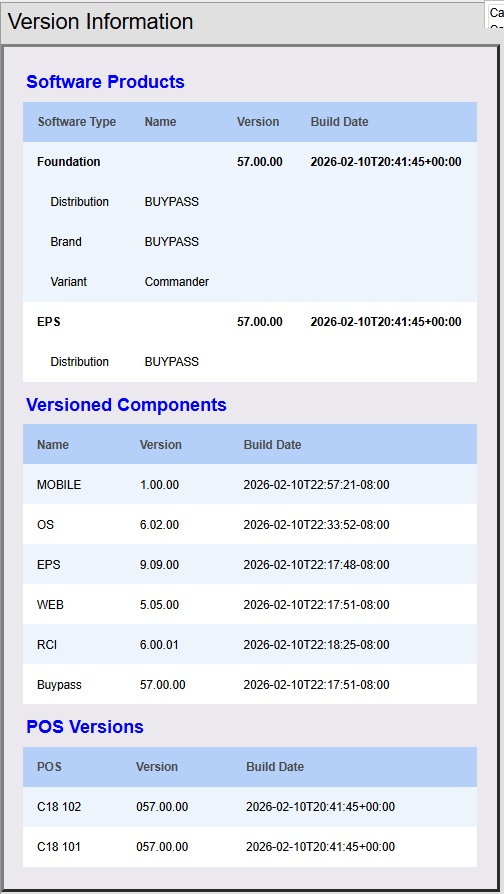
La pantalla Acerca de de la pestaña Ayuda muestra las versiones del software que está ejecutando el sistema.
### Separación del software
A partir de la versión 57.00 de Verifone Commander, los entregables se dividen en los siguientes «productos» de software que se entregan por separado.
1. «EPS»: sistema de pago electrónico (antes «Viper»)
* Las versiones principales cuentan con la certificación de los socios de pago
2. «Foundation»: el resto del sistema:
* POS, autopago, combustible, servicio de alimentos, interfaz de la oficina administrativa, etc.
Otras subdivisiones dividen estos productos principales en numerosos «módulos» de software más específicos.
#### Beneficios
* La separación fomenta una innovación más rápida en las funciones de POS y, al mismo tiempo, mantiene interfaces estables con los hosts y socios de pago.
* Permite desarrollar y entregar en calendarios independientes los futuros componentes del software Commander.
* Posibilidad de mejorar con frecuencia las funciones que no están relacionadas con los pagos, sin necesidad de volver a obtener la certificación de la marca.
* Facilita realizar cambios precisos en funciones y configuraciones específicas.
* Los módulos tienen versiones independientes y se pueden auditar, lo que facilita el mantenimiento y la personalización.
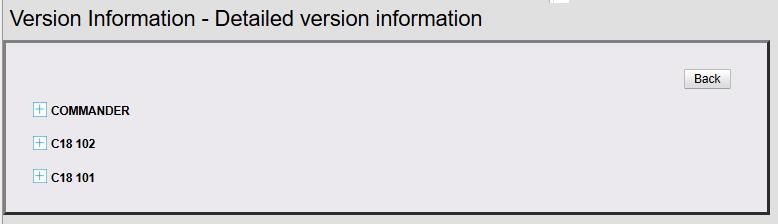
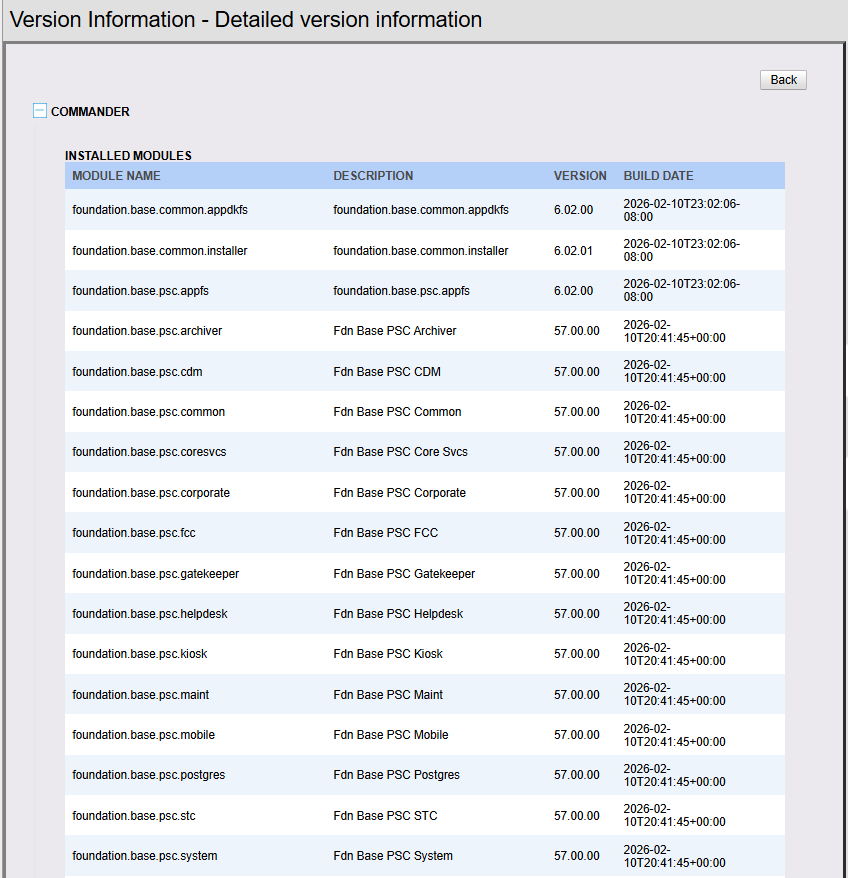
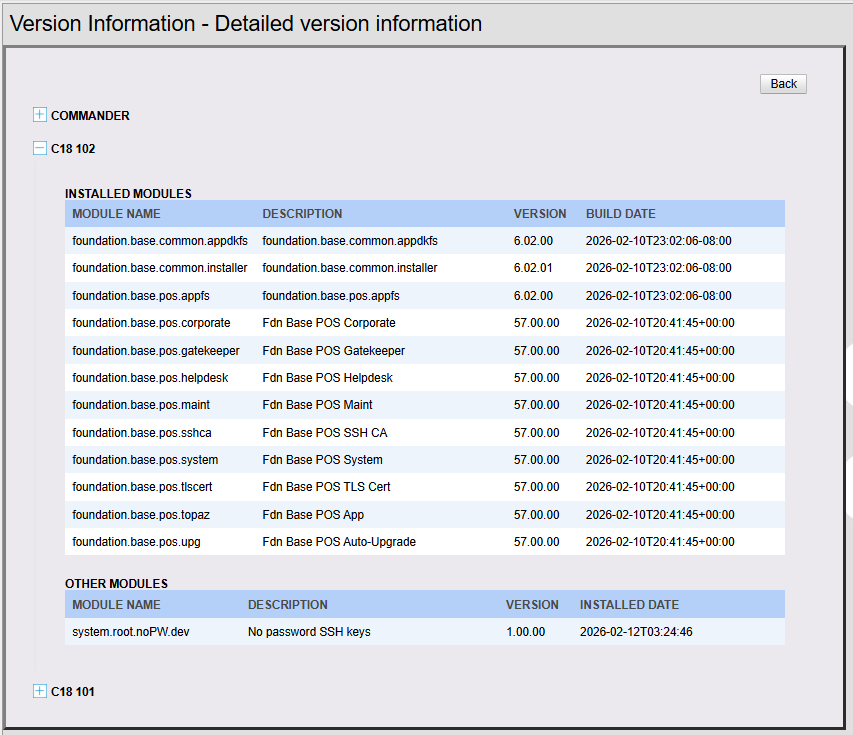
Con este cambio, la pantalla **Información de la versión** de **Ayuda > Acerca de** cambió de la versión anterior a la versión detallada que se muestra a continuación:
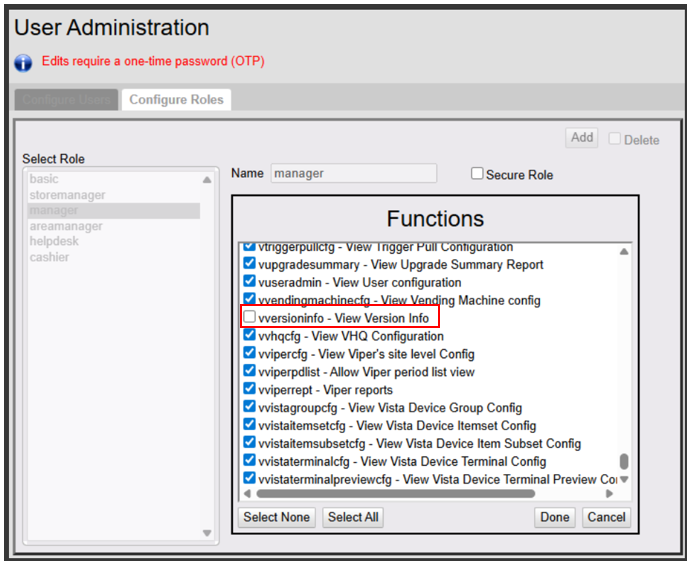
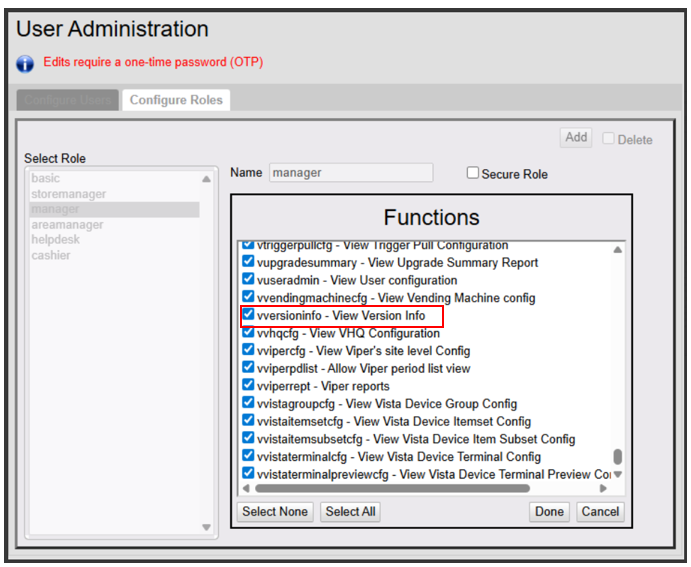
Para ver la información detallada de la versión, **vversioninfo - View Version Information** de **Seguridad > Administrar usuarios > Configurar roles** debe estar habilitado para el rol.
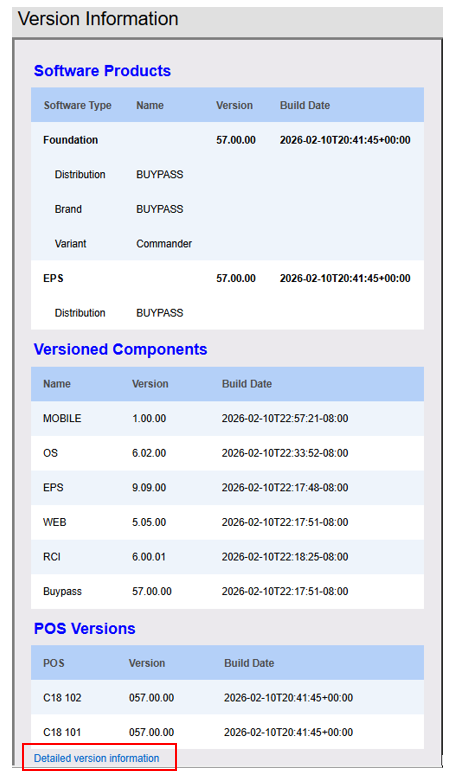
Cuando **vversioninfo - View Version Information** está habilitado para el rol, aparece el enlace **Información detallada de ayuda** en la pantalla Información de la versión.
Haz clic en **Información detallada de la versión** para ver las versiones detalladas del software en Commander y POS.
## Soporte
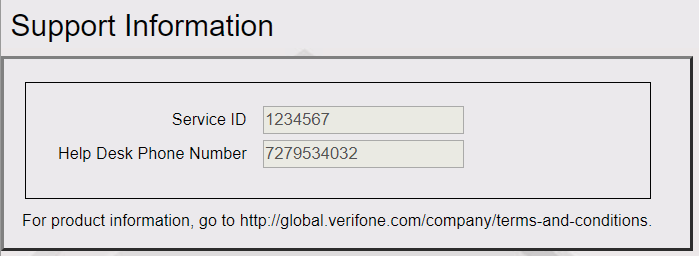
Esta pantalla contiene el ID de servicio ingresado durante la instalación y el número de teléfono de la mesa de ayuda.
El número de teléfono de la mesa de ayuda se puede editar en el cliente de configuración desde **Configuración inicial > Configuración de mantenimiento > Teléfono y código postal**.
---
# Agent Instructions
This documentation is published with GitBook. GitBook is the documentation platform designed so that both humans and AI agents can read, navigate, and reason over technical content effectively. Learn more at gitbook.com.
## Querying This Documentation
If you need additional information that is not directly available in this page, you can query the documentation by asking a question.
Perform an HTTP GET request on the following URL with the `ask` and `goal` query parameters:
```
GET https://docs.verifone.com/cug-57.01-en/cug-57.01-en-es-419/referencia-del-usuario-de-commander-57.01/formularios-del-cliente-de-configuracion/ayuda.md?ask=&goal=
```
`ask` is the immediate question: it should be specific, self-contained, and written in natural language.
`goal` is what the user is ultimately trying to achieve, the reason they need the answer. Sharing it helps GitBook give you a better, more relevant answer. A goal is most helpful when it describes the outcome the user wants rather than restating the question. For example, with `ask=how do I create an API token`, a goal like `automate deployments from our CI pipeline` lets GitBook tailor the answer to that use case.
The response will contain a direct answer to the question and relevant excerpts and sources from the documentation.
Use this mechanism when the answer is not explicitly present in the current page, you need clarification or additional context, or you want to retrieve related documentation sections.