| Mount and Stand | Pole stand with the tilting bracket plate the case attaches to. | Broken link | cm5 wired mounting case 01 step 1 part b stand.png |
| CM5 Terminal | Sits face-up inside the mounting case. | Broken link | cm5 wired mounting case 01 step 1 part e terminal.png |
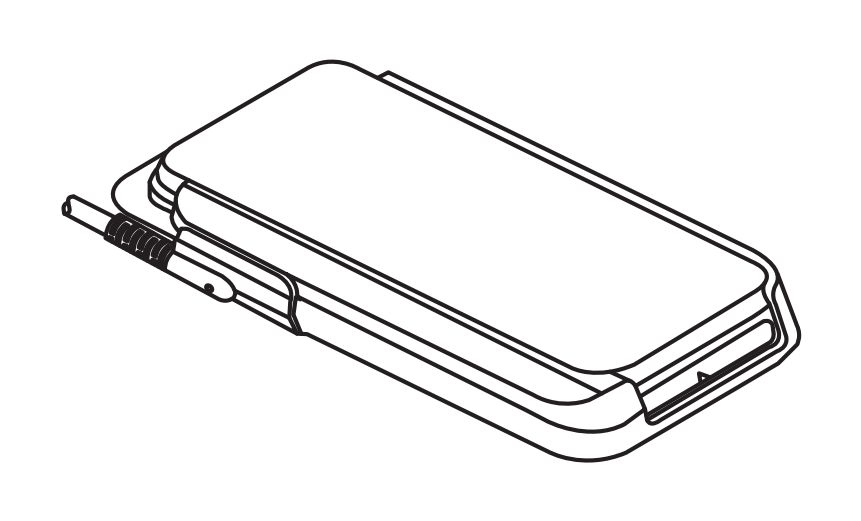
| Wired Mounting Case | Holds the terminal and carries the cable to its port. | Broken link | cm5 wired mounting case 01 step 1 part f mounting case.png |
| Cable Cover | Closes the cable channel along the edge of the case. | Broken link | cm5 wired mounting case 01 step 1 part c cover rail.png |
| Cable and Connector | Routes up through the mount and plugs into the terminal. | Broken link | cm5 wired mounting case 01 step 1 part d cable connector.png |
| Screws | Three long screws for positions A, B, and C, plus one shorter screw. | Broken link | cm5 wired mounting case 01 step 1 part g screws.png |