For the complete documentation index, see llms.txt. This page is also available as Markdown.

C18 R2 Quick Installation Guide

Use this guide to unbox, identify, and set up C18 R2.

Before you begin, confirm you have all devices, cables, and accessories listed below.

What's in the Box

Cover

C18 R2 Device

Cover

C18 R2 Power supply

*varies by country

Cover

AC Power cord

Cover

Cable cover

Cover

Software licenses

Cover

Printer data cable

Cover

Printer power cable

Device Walkthrough

Front

1

Microphones

2

Camera

3

Display

4

Protective sticker

5

Light ring

6

RJ11 port

Rear

1

Ethernet

2

Removable Magnetic cover

3

Line out audio

4

Microphone jack

5

COM ports

6

Cash drawer

7

USB

8

DC power

9

Printer power

Side View

1

Cover

2

Bat health

3

Power led

4

Heartbeat

5

Bat chrg

6

Status

7

Diag

8

Console

9

Reset

10

Internal speaker

Quick Setup Guide

1

Connect Keyboard to C18 R2

2

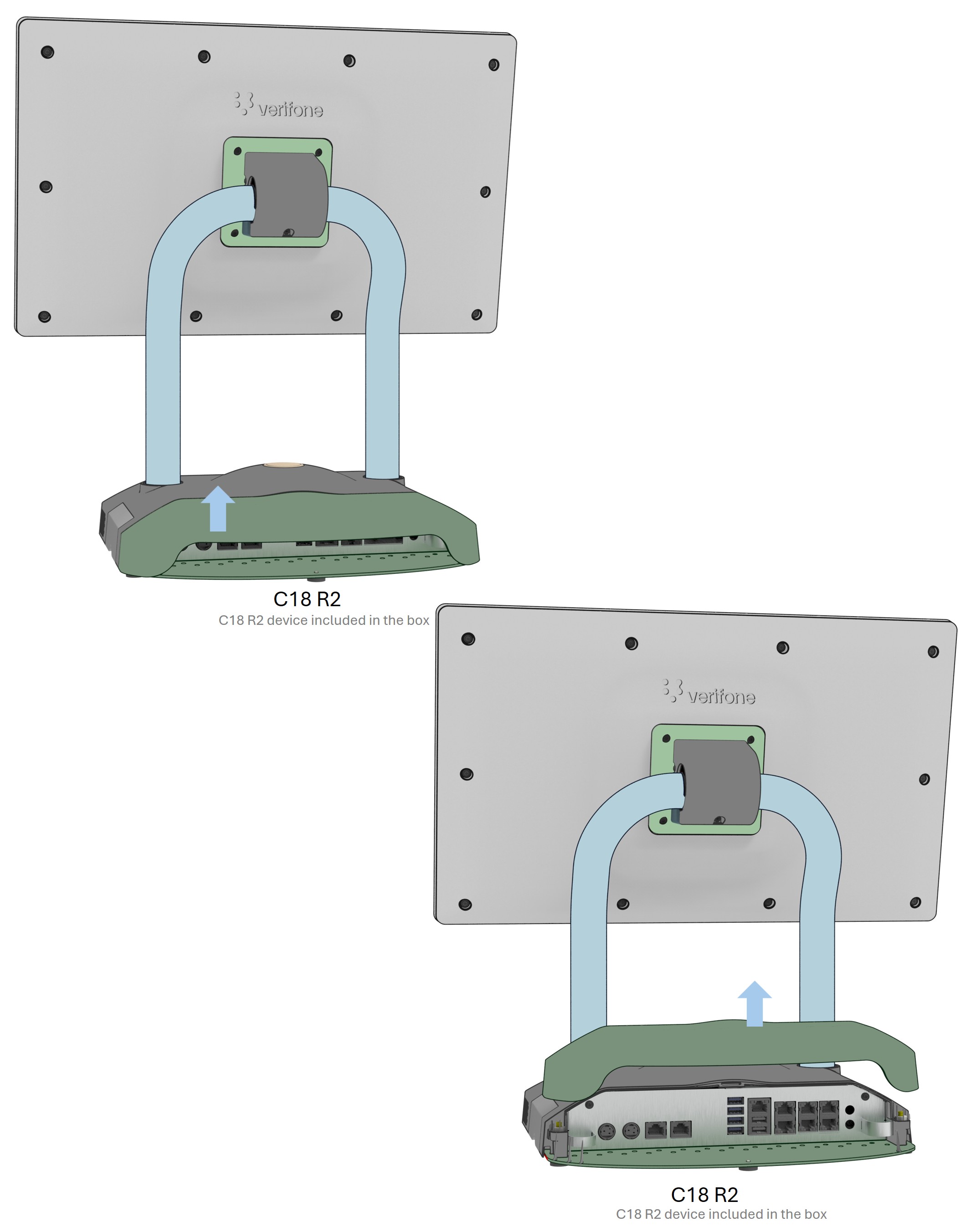
Lift the bottom edge of magnetic cover to remove it.

3

Connect C18 R2 to Commander Site Server through router.

4

Connect to Power

Full Installation Guide

For full device setup details, product information, and troubleshooting steps, refer to the Installation Guide.

VPN: DOC182-001-02-EN-A, Rev A00.1

Last updated

Was this helpful?